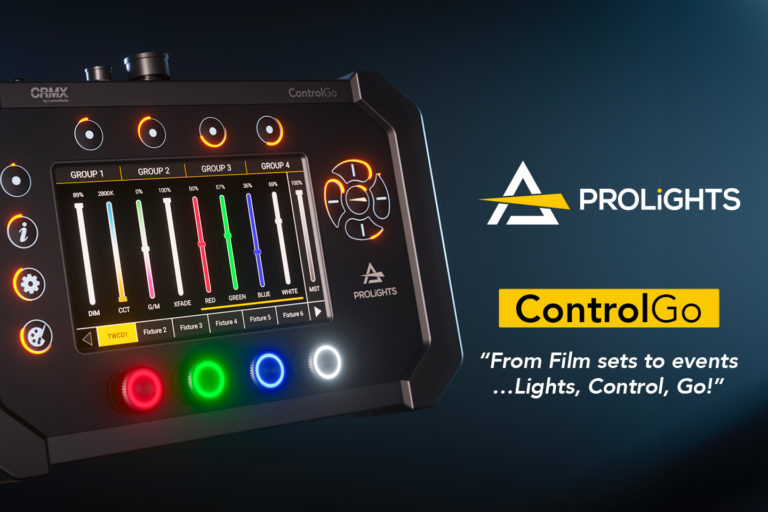
The ControlGo by Italian manufacturer PROLIGHTS is the ultimate multi-function “Swiss army knife” lighting controller, designed for the film industry and beyond. It combines portability, versatility, speed of execution, intuitive user interface, power and agility, durability and reliability, and advanced ergonomics.
Main Features
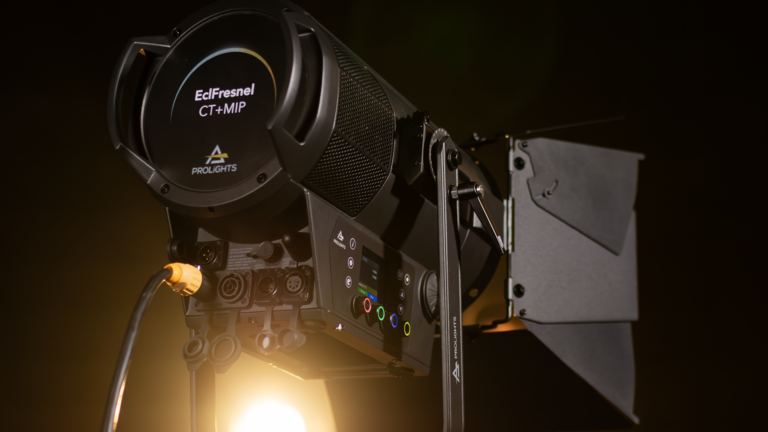
The ControlGo is a DMX controller for 1 universe but also integrates a LumenRadio transmitter/receiver (CRMX and W-DMX protocols) to directly control fixtures equipped with this function via wireless DMX, an RDM management tool (RDM commissioning and programming), a DMX frame recorder, and a wired remote control for the brand’s latest fixtures such as the EclPanel TWCXL or the EclFresnel CT+ series.
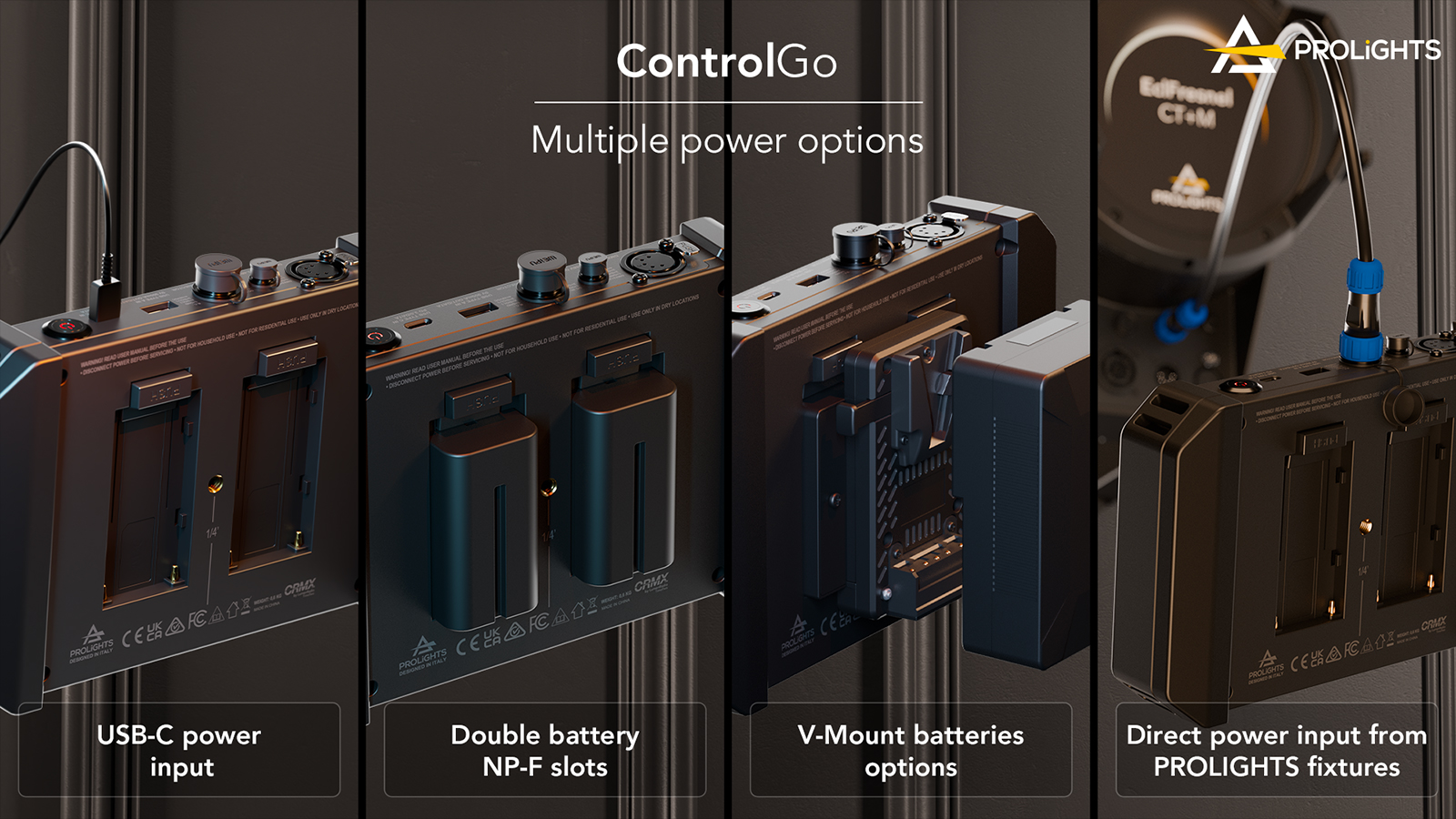
Power Options for Your ControlGo
To power your ControlGo, a range of possibilities is available:
– Via 2 NP-F batteries (batteries not included)
– Via a V-Mount battery (V-Mount adapter available as an option)
– Via DC through the USB-C port
– Via DC through the Weipu SA6 connector
– Directly powered by the fixture when used as a wired remote control
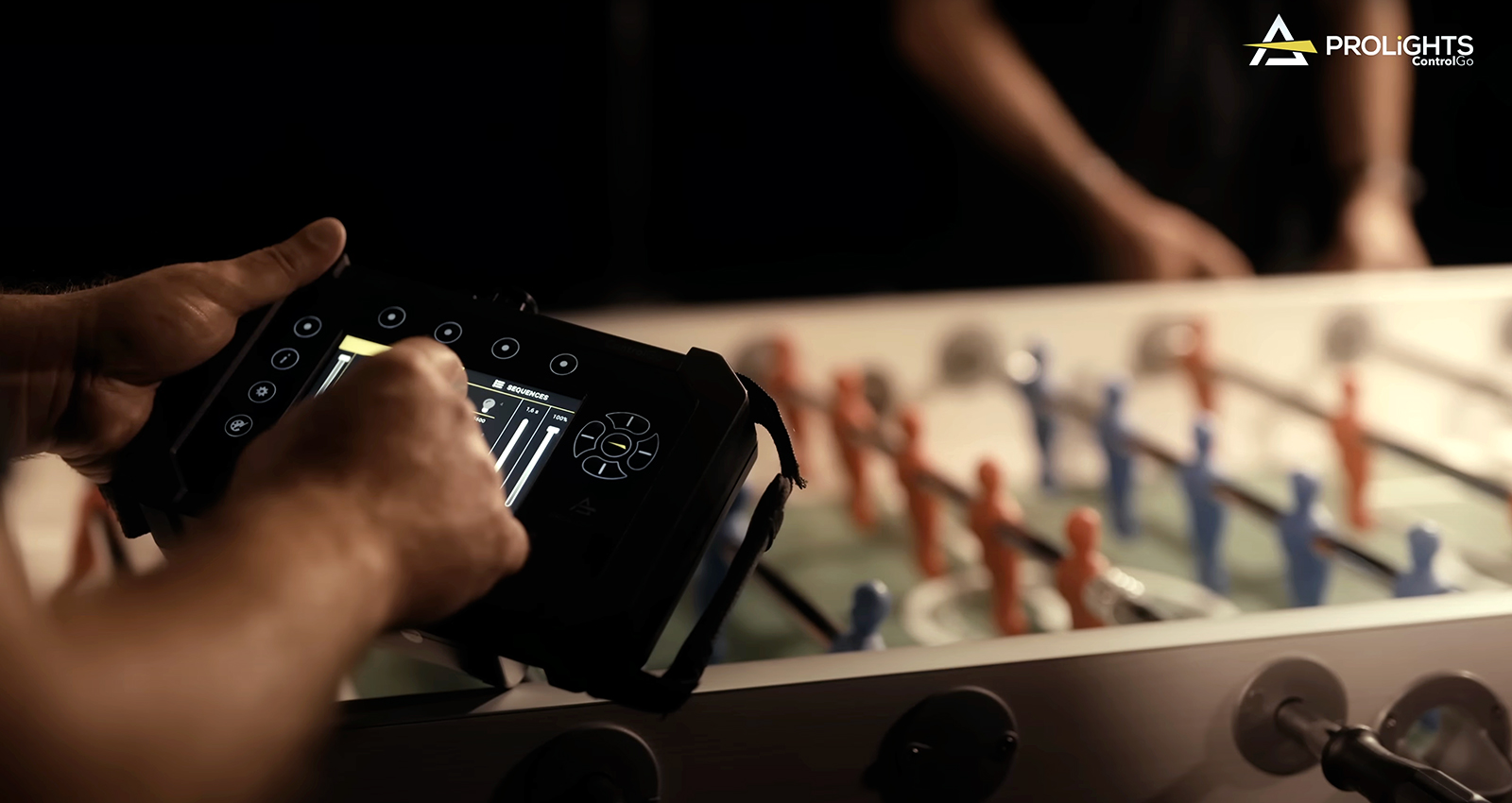
Applications
The range of applications is virtually limitless for the ControlGo:
– Film shoots: the gaffer can quickly adjust the levels and colour temperature of a soft light and Fresnel lighting kit
– TV/broadcast: to adjust and adapt lighting levels according to presenters and cameras
– Trade shows: to address a kit via RDM and manage the colour and intensity of a set of LED fixtures on a stand
– Events: to adjust a battery-powered fixture kit on the fly via wireless DMX
– Production services: no need to bring out a large console to control a simple kit
– Rental: the very simple and intuitive user interface will suit even the least experienced lighting console users
– Depot: to test and commission fixtures before and after service/rental
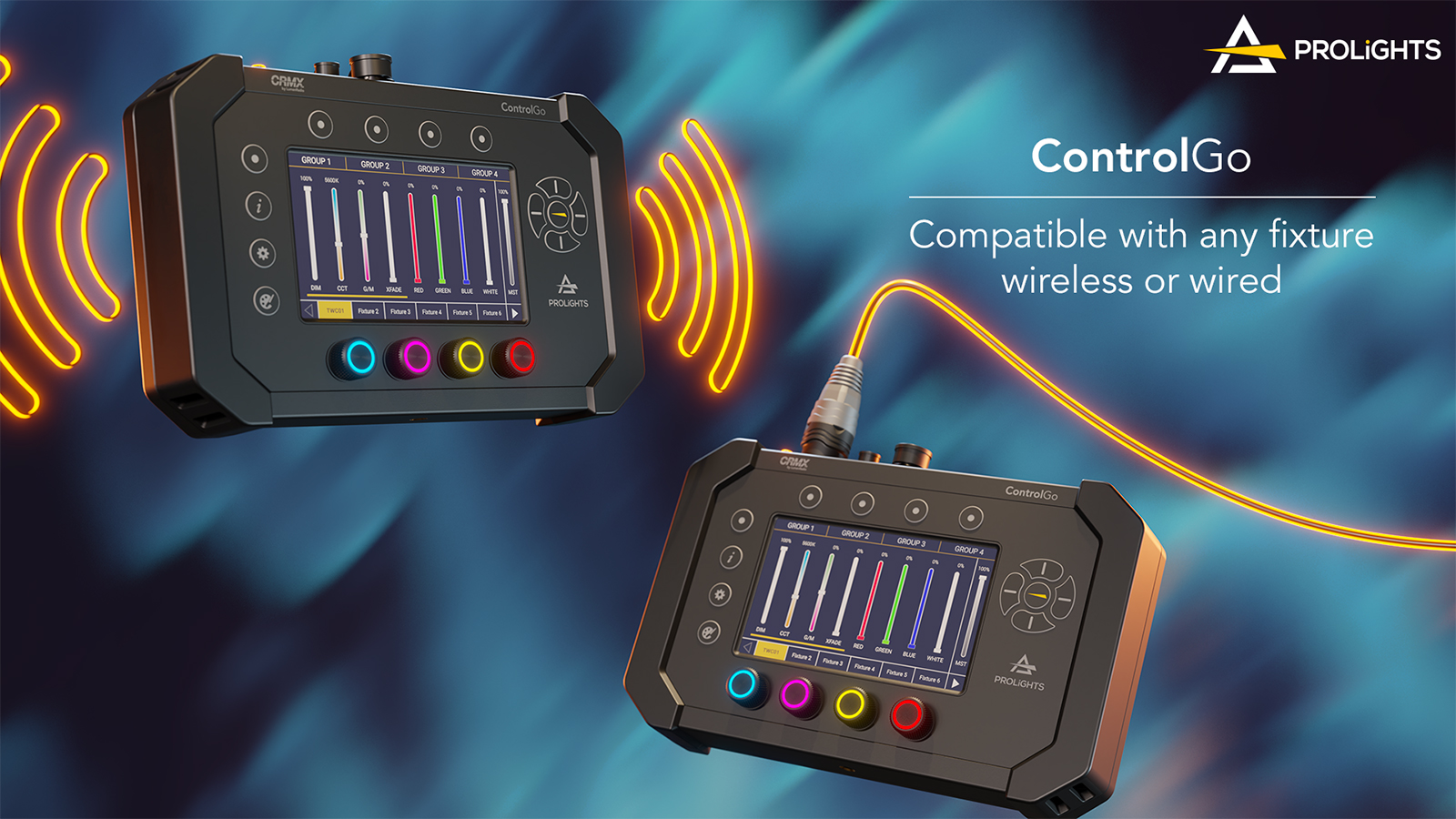
Protocols
The ControlGo features numerous protocols for controlling most fixtures, such as DMX512 and RDM. You can access the RDM parameters of fixtures to view their status or change their DMX address, for example. It also integrates a LumenRadio TimoTwo wireless DMX module, making it compatible with CRMX and W-DMX protocols and offering the ability to update the module and configure CRMX settings from the free LumenRadio app.
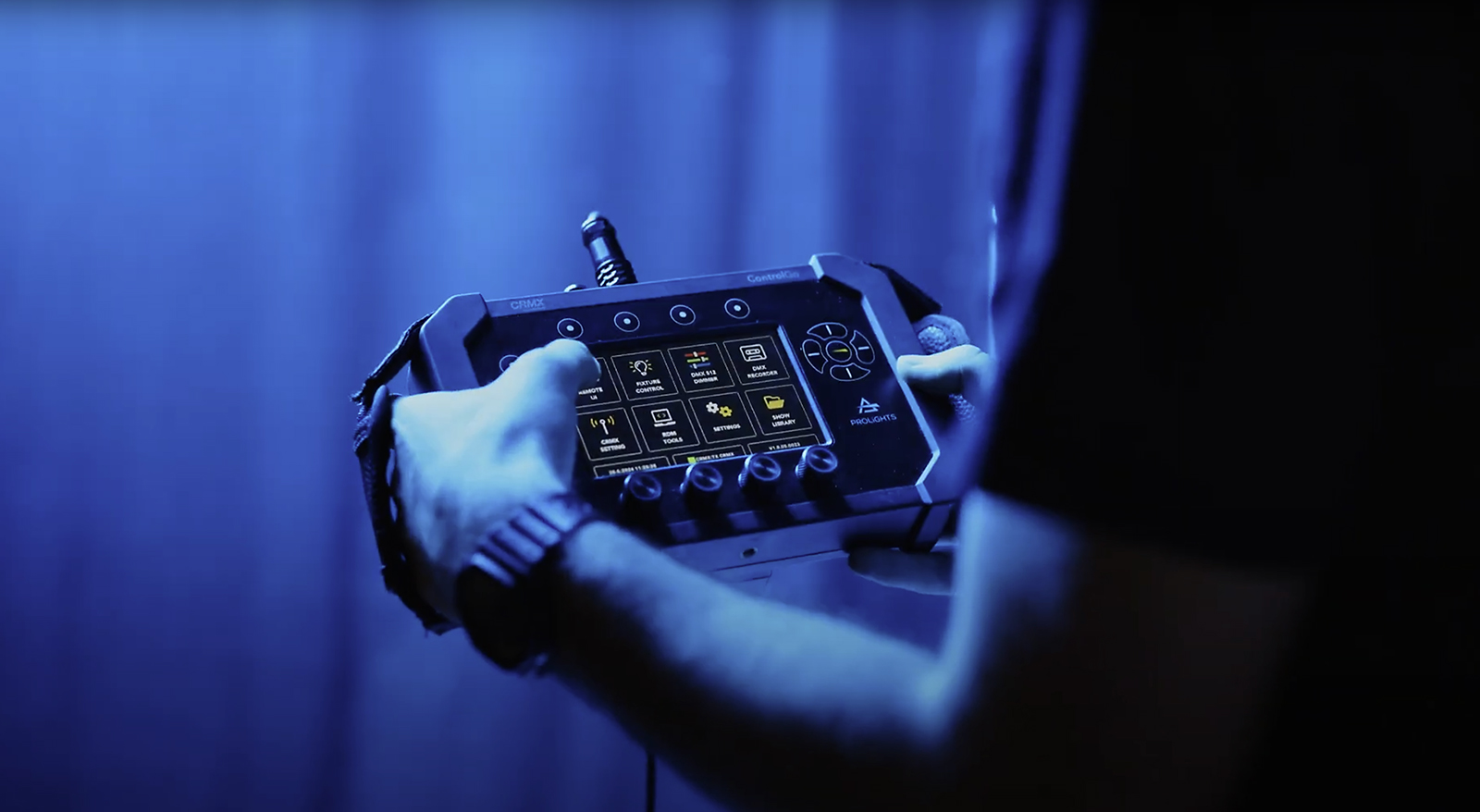
Hardware
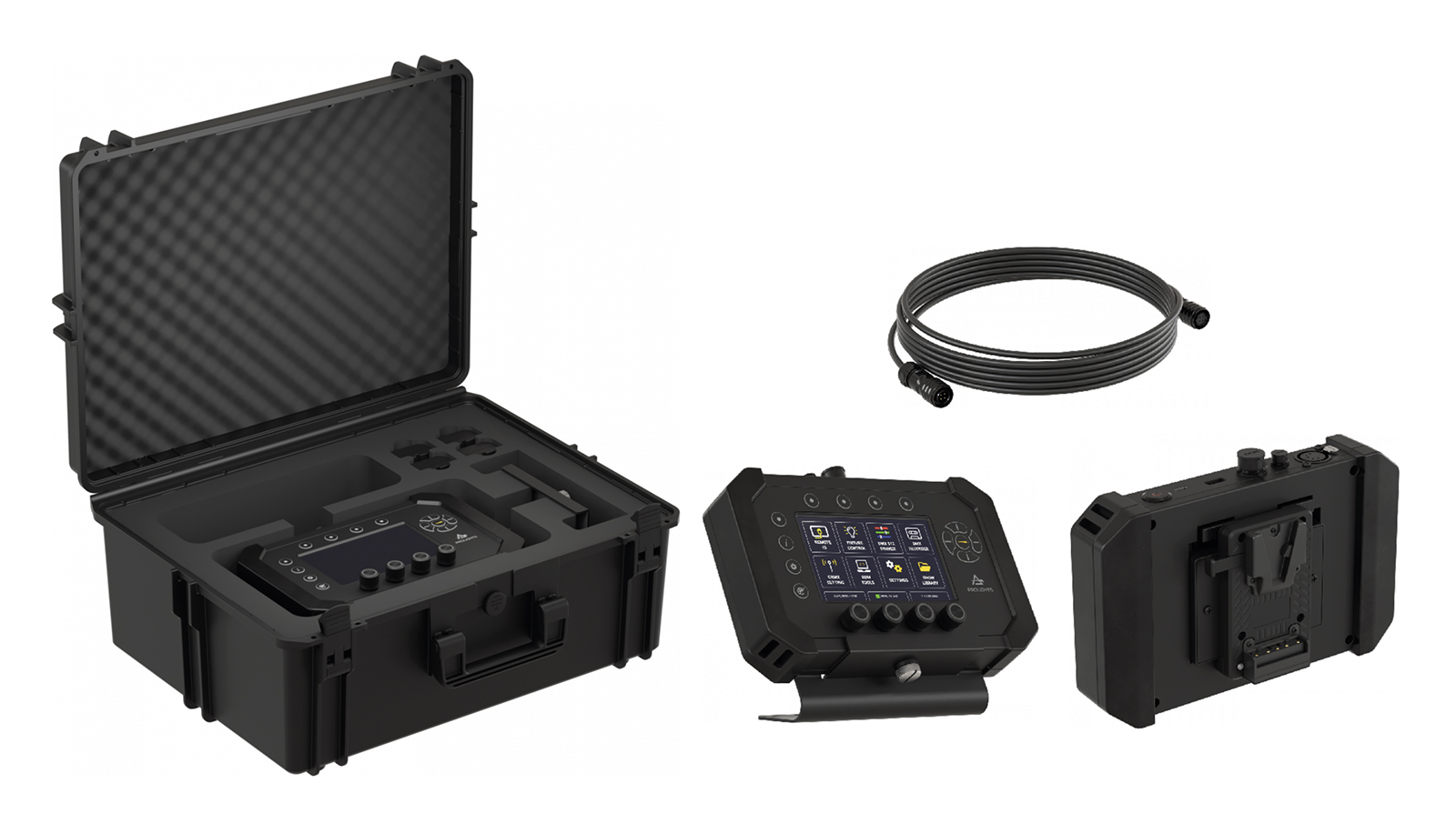
The ControlGo is built around a high-resolution 5″ colour touchscreen and a tablet motherboard ensuring intuitive navigation, fast operation and command execution with no latency when switching between screens, all housed in a reinforced black polycarbonate body. In addition to the touchscreen, numerous physical keys are available, including quick-access keys, navigation and selection keys, and 4 RGB backlit rotary push encoders. The ControlGo comes with 1 Eva protective case, 2 soft handles and 1 secure lanyard.
Optional Accessories
Several optional accessories complement the ControlGo’s versatility: a 7.5 m cable for use as a wired remote control for the brand’s fixtures such as the EclPanel TWCXL or the EclFresnel CT+ series, a tilt stand for placing or securing your ControlGo on a flat surface, a V-Mount adapter to power your controller with a V-Mount battery, and an ABS case for storing and transporting the controller, its accessories and batteries (2 V-Mount and 4 NP-F).
Software
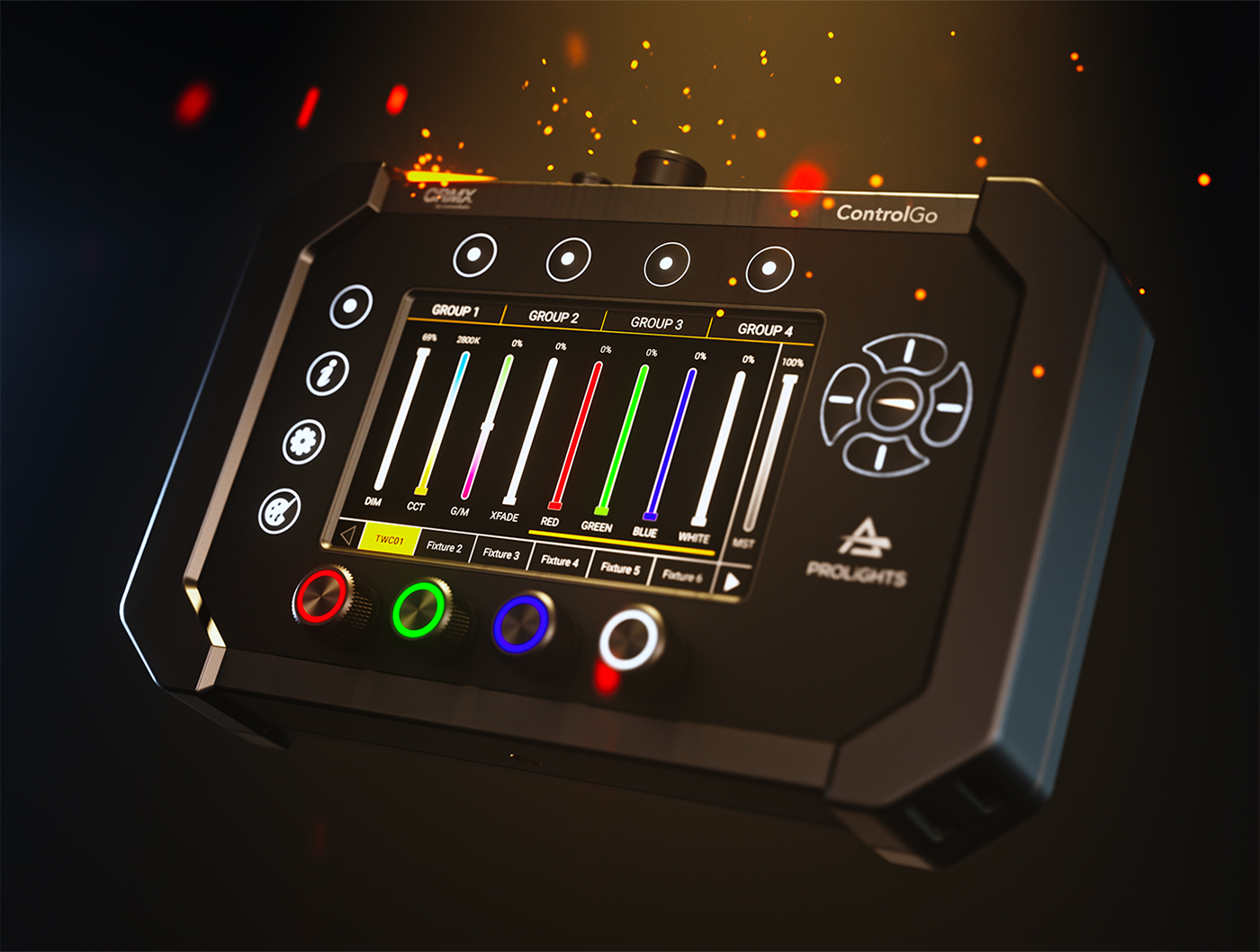
The software has been designed for the least experienced users, and the user interface is simple and intuitive, allowing quick adjustment of intensity levels, colours and other fixture parameters.
Fixture Library
An all-brand fixture library is built in. You can also use the online library editor to retrieve or create a fixture profile and then import it into the library. A dedicated page also lets you view the different levels of each patched DMX channel.
Groups
You can create up to 4 groups of 20 identical fixtures for quick access to a set of luminaires. These groups can be named as you wish.
Presets
Your ControlGo offers the ability to create presets (static lighting states) to save time and reuse them at will. 60 presets are available, and you can set a fade time of up to 10 seconds when transitioning between presets. They can also be named according to your needs.
Sequences
Once your presets are created, you can assign them to sequences (timed dynamic lighting states). 12 sequences are available, and for each step in the sequence you can set the fade in time and the fade out time. Each sequence can also be set to loop playback using the Loop function.
Shows
It is possible to create multiple shows internally in the ControlGo. Each can be named and imported/exported via the USB port. The number of shows that can be created is unlimited.
Show Recording
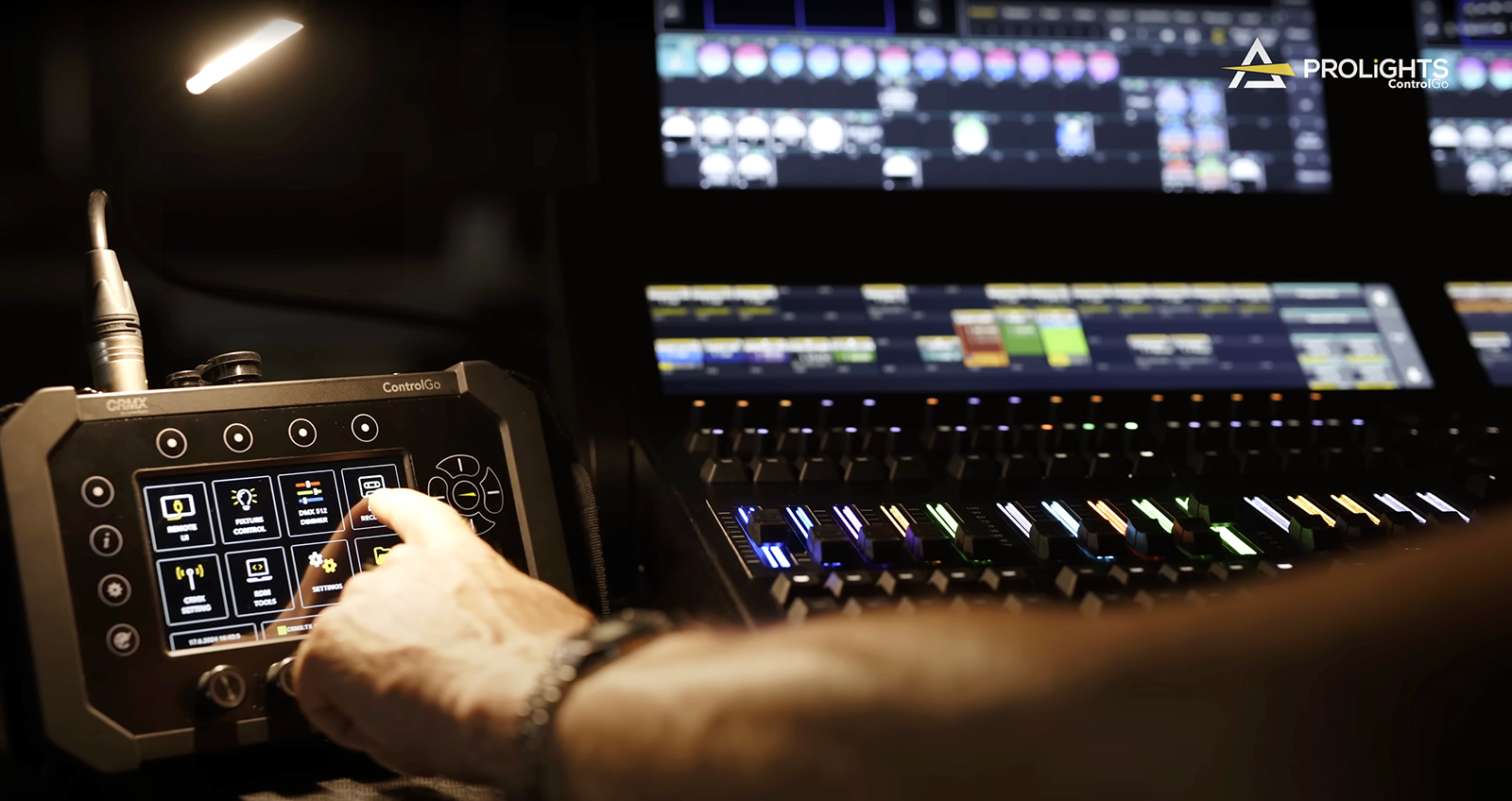
Your ControlGo can transform into a show recorder. You can capture a DMX frame and its timed dynamic lighting state sequences created and played by an external controller (lighting console, DMX software, etc.) via the DMX port. You can store and play back up to 9 complete shows of 60 minutes each. During playback, you can choose to replay your show in a loop using the Loop function.
Main Features Demonstration
For any on-site demonstration or further information, please contact our dedicated cinema industry technical sales representative:
Stéphane WARIN
06 99 60 68 27

The Prolights brand is exclusively distributed by ESL — www.esl-france.com