Beyond the actual shooting of our films, there are two stages that greatly influence the quality of the images we create: pre-production and post-production. Communicating our visual intentions to directors, producers, and crew during prep can be very difficult, and maintaining that vision through the grading process can be equally challenging.
That’s why at Camerimage 2026 I attended an ARRI seminar to discover two tools that I’d been hearing about: LUKA, which offers new possibilities for previsualization, and Film Lab, which helps us shape and refine the final look of our images. Both also find their way onto the set: LUKA can drive real fixtures over DMX, and Film Lab can preview looks live.
And who knows, maybe LUKA could even help us convince the production manager why we have so many fixtures on our equipment list!
LUKA: simplifying previs in Unreal Engine with cinematographers in mind
Oli Temmler (Product Manager at ARRI) began with a deep dive into LUKA, a previsualization tool designed for cinematographers familiar with applications such as CineTracer, set.a.light 3D, or Unreal Engine for planning and presenting camera and lighting setups. While Unreal Engine already offers powerful tools for previs, it doesn’t necessarily reflect the way cinematographers work with physical cameras and lighting equipment. With multiple sliders and arbitrary units of measurement, it can be difficult to understand how a virtual scene will translate to the real world. ARRI developed LUKA to bridge that gap, bringing the characteristics of its cameras, lighting fixtures, and color science into Unreal Engine to give us a more accurate representation of what we’ll see on set.
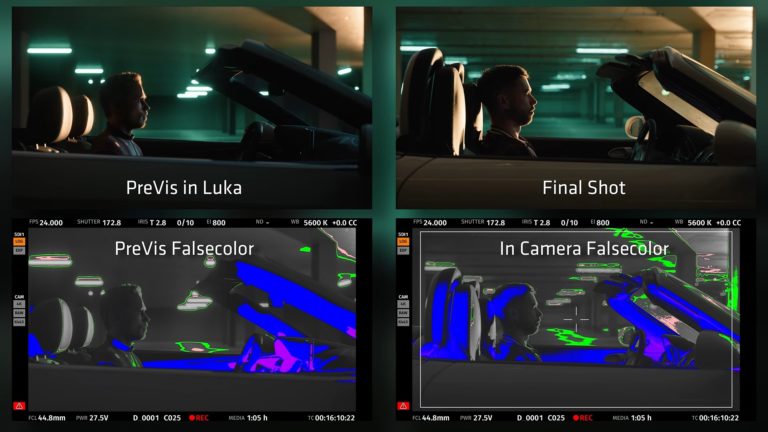
Starting with cameras, ARRI designed the interface to look like what we’d expect, so we can immediately dive into the settings to get what we want. We can pick a camera and lenses, set ISO and T-stop, white balance, add ND filters, and even use ARRI’s false color to analyze exposure.
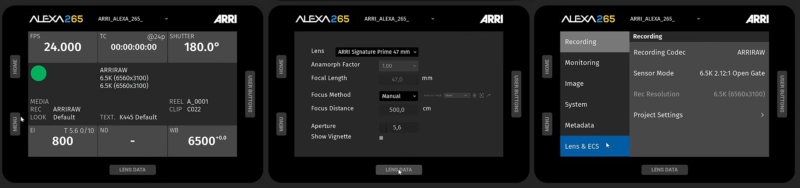
LUKA’s camera interface mirrors the menus of ARRI cameras. © ARRI
Moving on to lighting, LUKA features a library of ARRI’s fixtures that emulate their real-world characteristics. We can modify the quality and shape of the light by adding barn doors, diffusion, grids, and gels. There’s even the possibility of creating our own custom lighting fixtures.
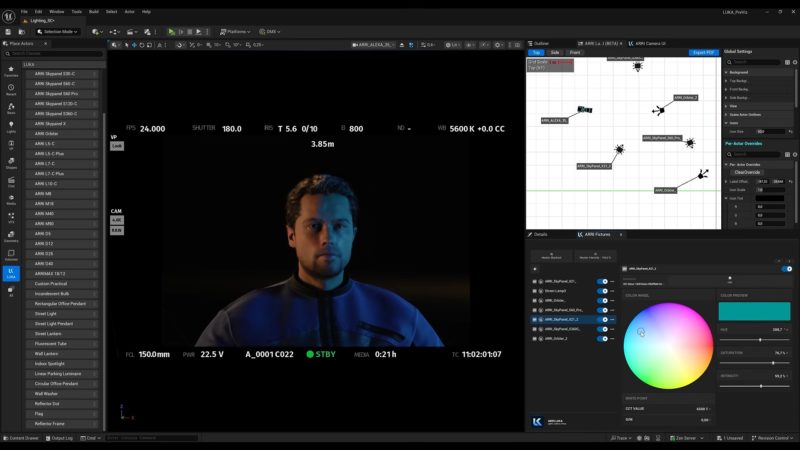
A lighting plan in LUKA, with the settings of the selected fixture. © ARRI
Finally, LUKA’s DMX integration is particularly interesting. We can control lighting effects both within the virtual scene and in the real world. We can connect a lighting console, program and test lighting effects virtually, then save those settings to reproduce them with physical fixtures once we’re on set.
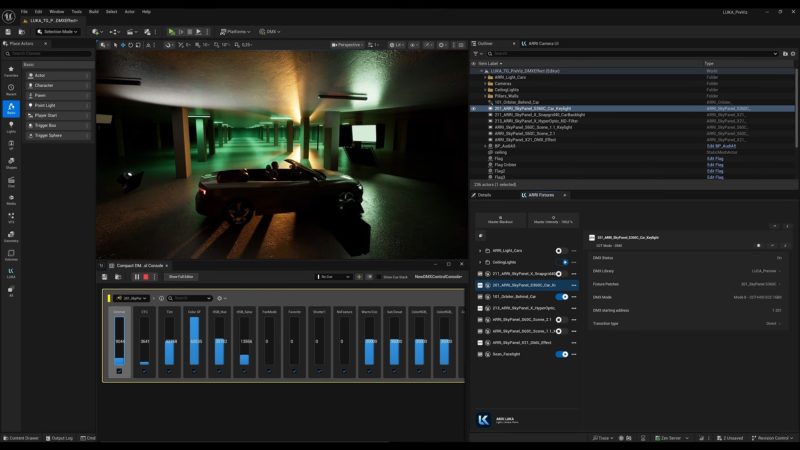
Lighting effects in a LUKA scene, driven from a DMX console. © ARRI
So LUKA can help us be more precise when conceptualizing our camera and lighting setups. And who knows, maybe it could even help us convince the production manager why we have so many fixtures on our equipment list!
Some existing plugins can be overly simplistic, relying primarily on texture overlays, while others are so complicated that users are confronted with hundreds of sliders without knowing where to begin.
Film Lab: authentic-feeling film emulation based on real-world data
After working on more than 60 film projects as a colorist, Utsi Martin (Senior Colorist at ARRI) quickly discovered the need for good film emulation on projects shot digitally. Some existing plugins can be overly simplistic, relying primarily on texture overlays, while others are so complicated that users are confronted with hundreds of sliders without knowing where to begin.
ARRI’s Film Lab draws on data collected through its previous film scanning technologies, along with new scans of film stocks to analyze characteristics such as grain and halation. Particular attention was also paid to MTF (Modulation Transfer Function) curves, which describe how contrast and detail are reproduced at different spatial frequencies. All of this research was brought together in an easy-to-use interface, allowing us to focus more on the texture of the image rather than navigating endless settings.
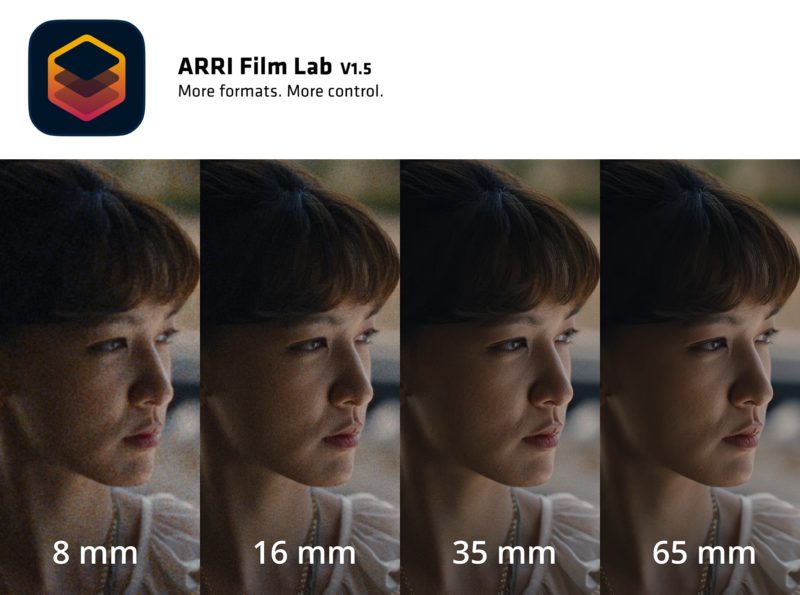
The same close-up with 8, 16, 35, and 65 mm grain. © ARRI
Inside the plugin, four main dropdown menus allow us to specify the Negative Stock, Film Format, Color (Print+Process), and I/O (color) Space. There’s also a “Tune” section that offers additional controls, like Grain Intensity and Grain Size, for refining the look. With Film Lab v1.5, users can also add anamorphic grain/halation effects by adjusting the Anamorphic Ratio, Halation Intensity, and Halation Spread settings.
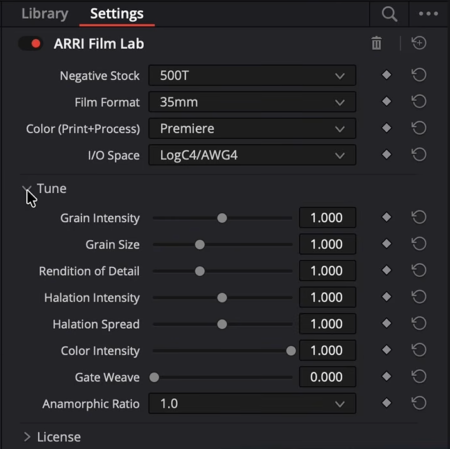
Film Lab’s four menus and the Tune section. © ARRI
Film Lab is currently compatible with DaVinci Resolve, Baselight, and Nuke. It can also be used with Resolve Live and Pomfort’s Live Grade Frontier, allowing looks to be previewed on set in real time at up to 4K resolution.
Beyond supporting ARRI’s LogC3 and LogC4 workflows, the latest version also includes ACES 2.0 support. This allows Film Lab to integrate into color-managed workflows using footage from different camera manufacturers without requiring an exclusively ARRI color pipeline.
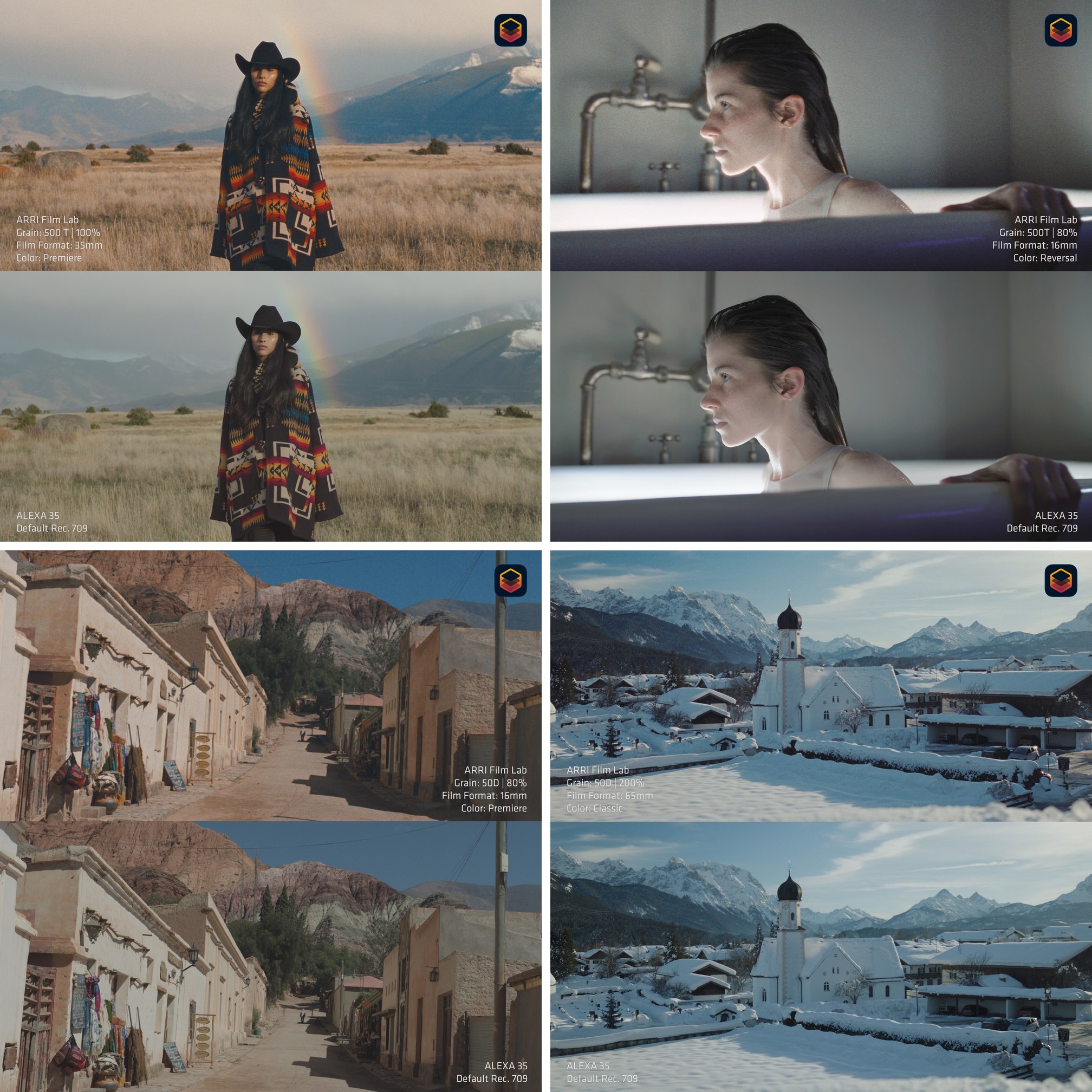
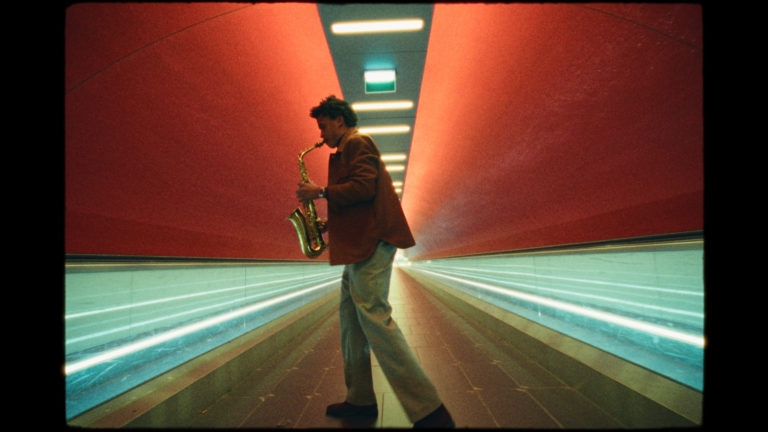
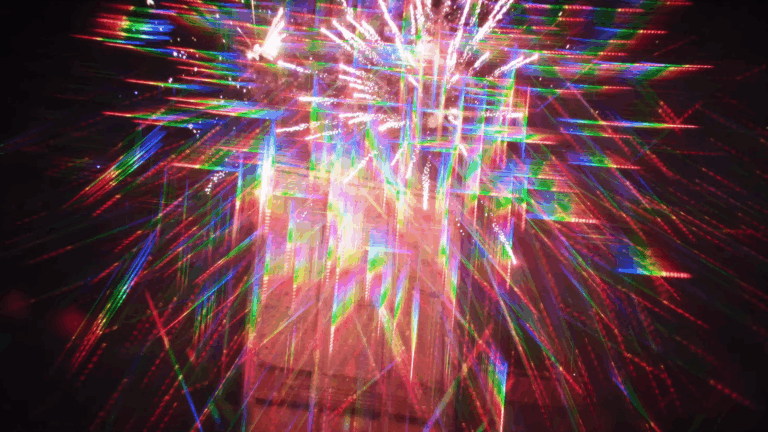
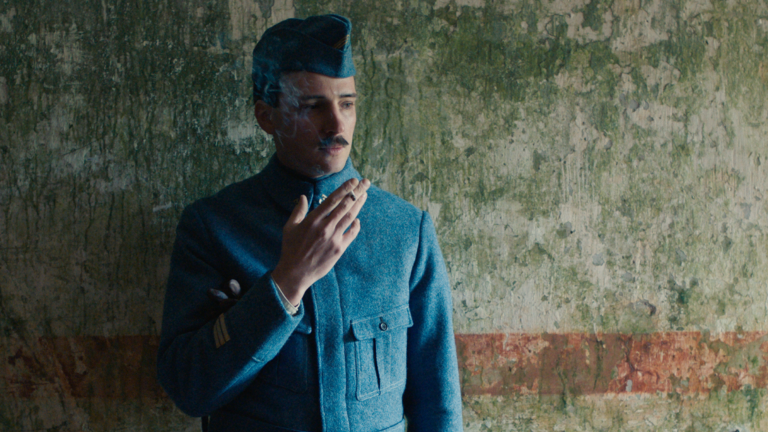
Four Film Lab looks: the emulation on top, the Alexa 35’s default Rec. 709 image below. © ARRI
So now we have even more tools to help us communicate, develop, and refine our visual language. To learn more, check out ARRI’s pages for LUKA and Film Lab, where you’ll find more detailed information, images, videos, and free trials for both plugins.
Neither the author nor the UCO received any benefit from the publication of this article.